


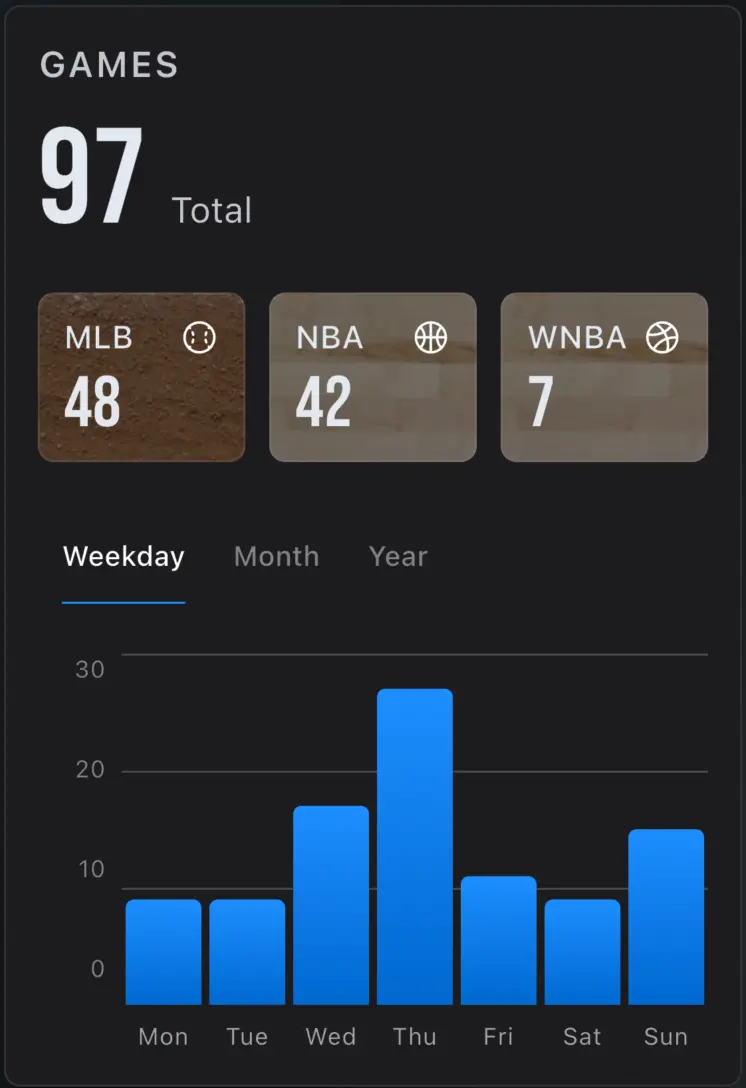
A real list, not a guess
Start from the dates and opponents you still remember, then fill gaps until the timeline is yours.
Ready to retire the fragile spreadsheet? Ticket Timeline helps you track games you've attended across MLB, NBA, NFL, NHL, MLS, and WNBA—import years of history from Google Sheets or CSV, recover confirmations from Gmail when needed, and keep a permanent personal archive you can export.
For iPhone & Android
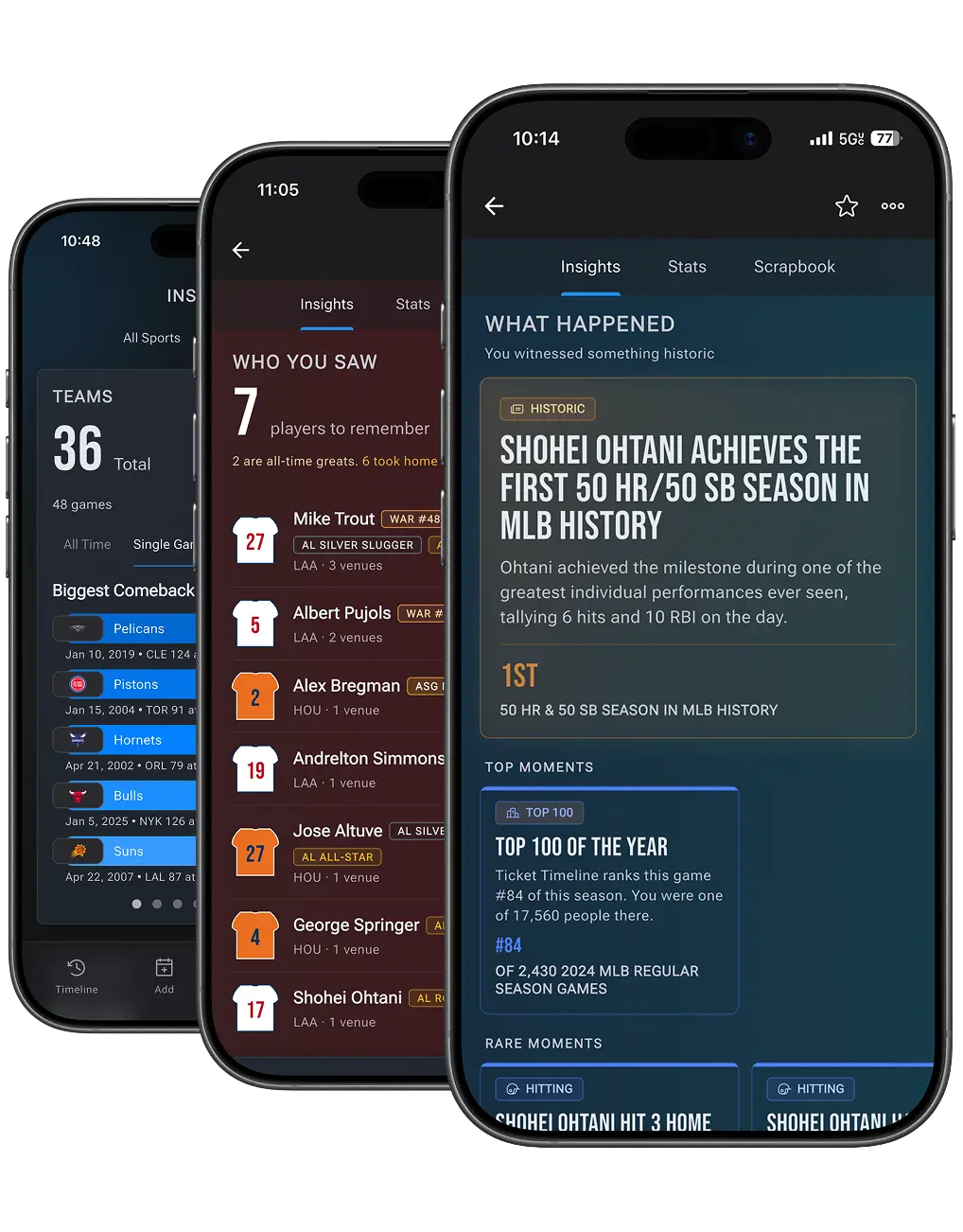
A reconstruction workflow is practical: recover the nights, then keep adding every game you attend.
Start from the dates and opponents you still remember, then fill gaps until the timeline is yours.
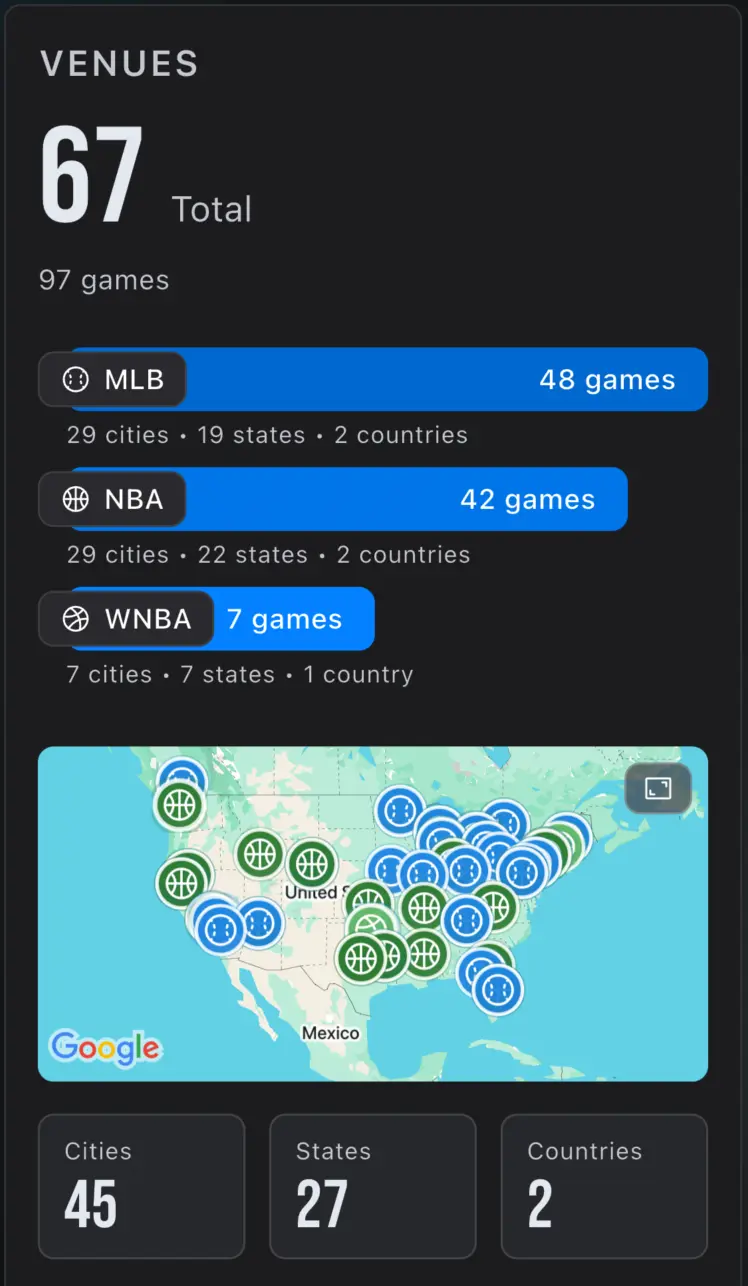
Matching a night also places the building — useful when a stub name no longer exists.
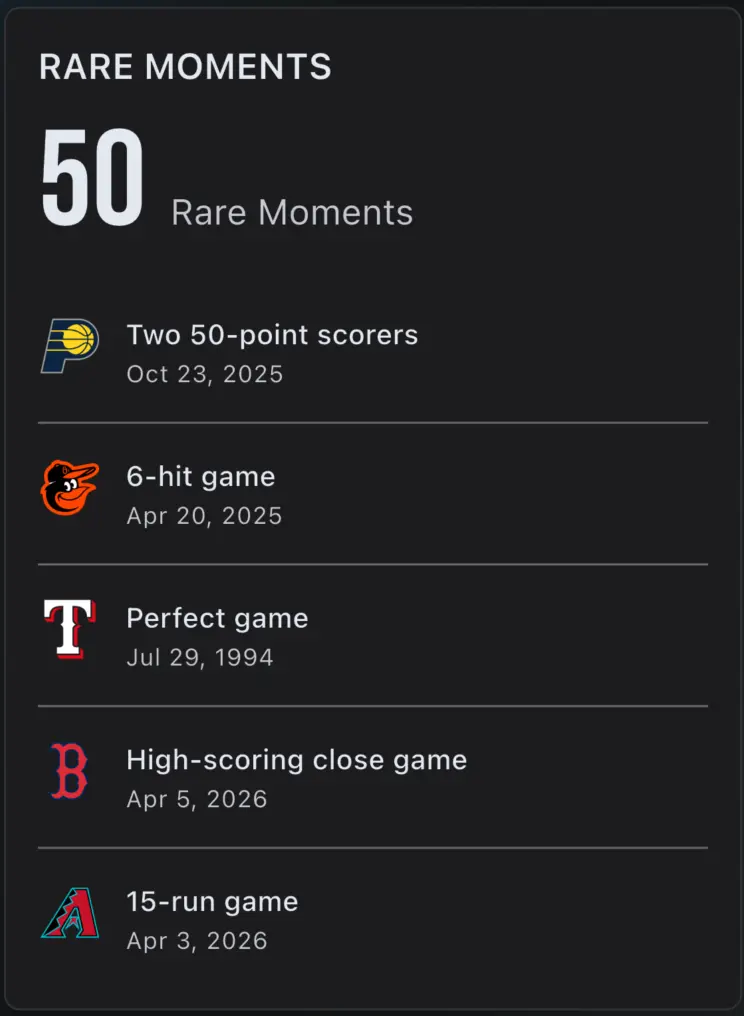
Once the game is identified, players and moments attach without you retyping a box score.
Reconstruct first, then keep the habit. Import, search, or add from memory — the same workflow either way.
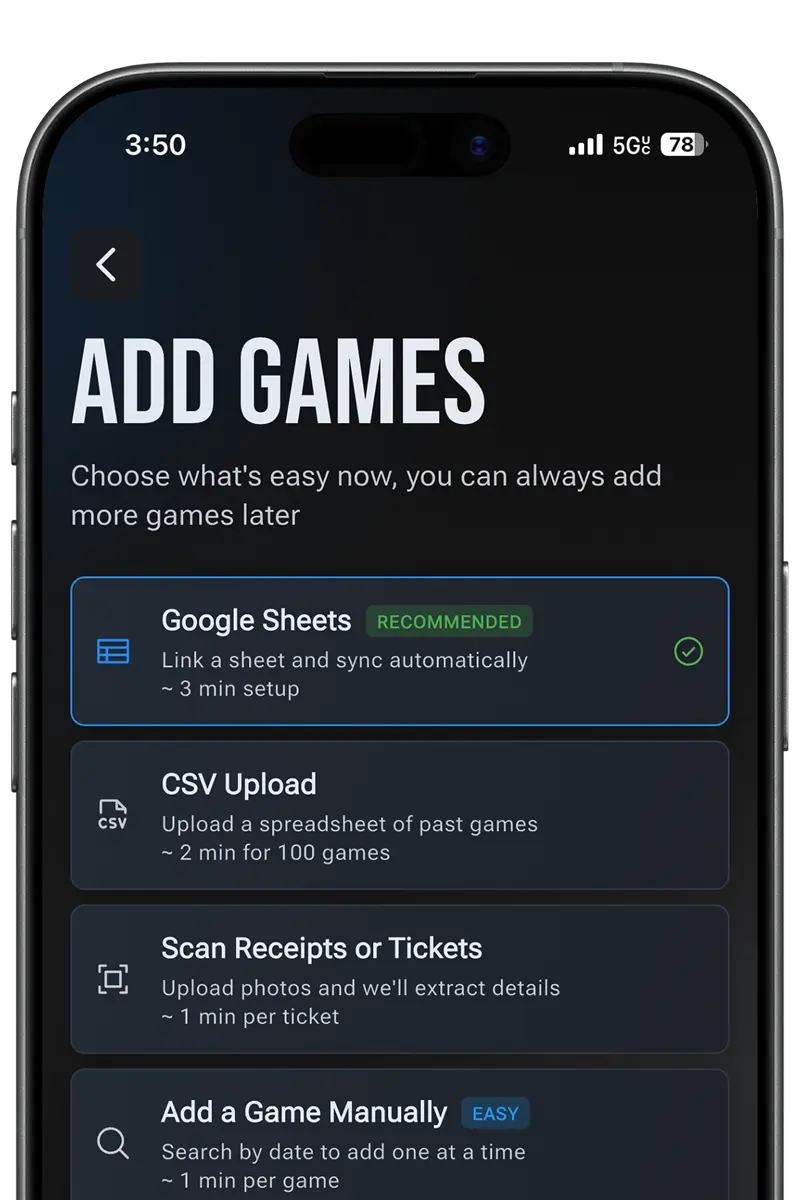
Bring a spreadsheet, recover Gmail confirmations, or search a matchup and date. See adding and importing games.
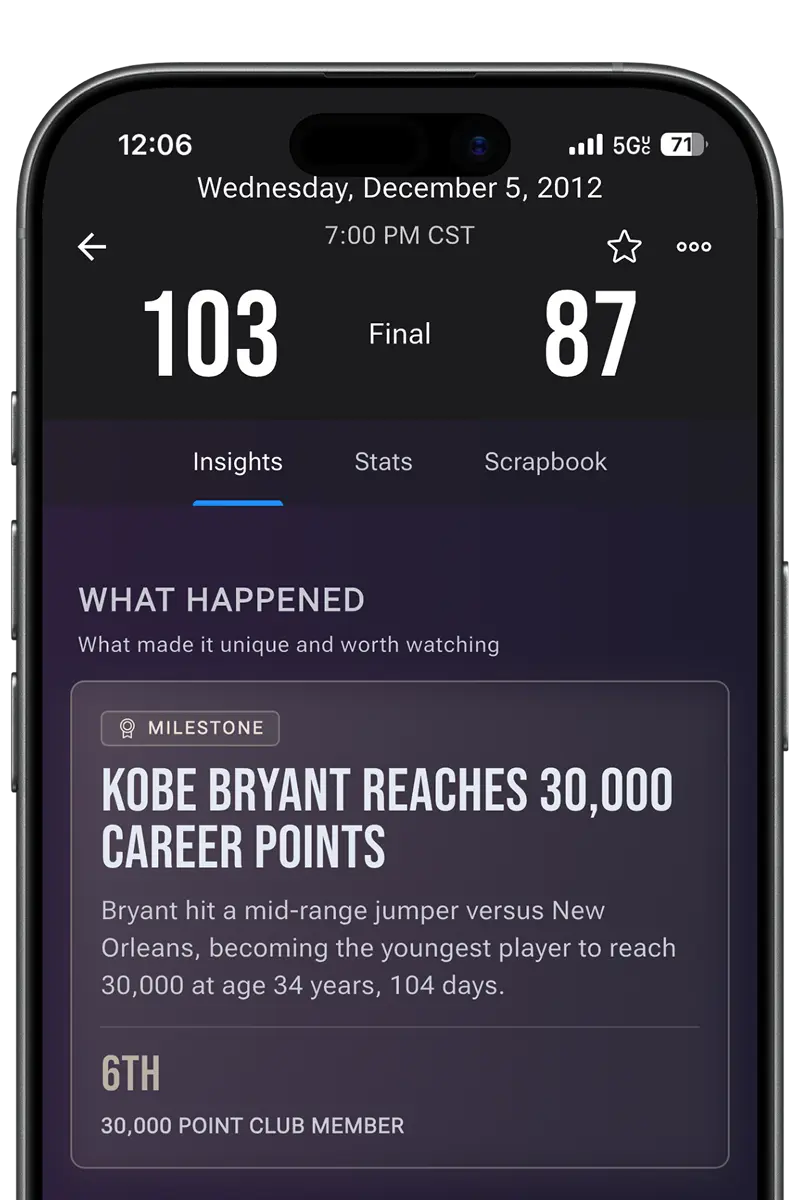
Ticket Timeline proposes the real game. You keep control of what enters the archive.
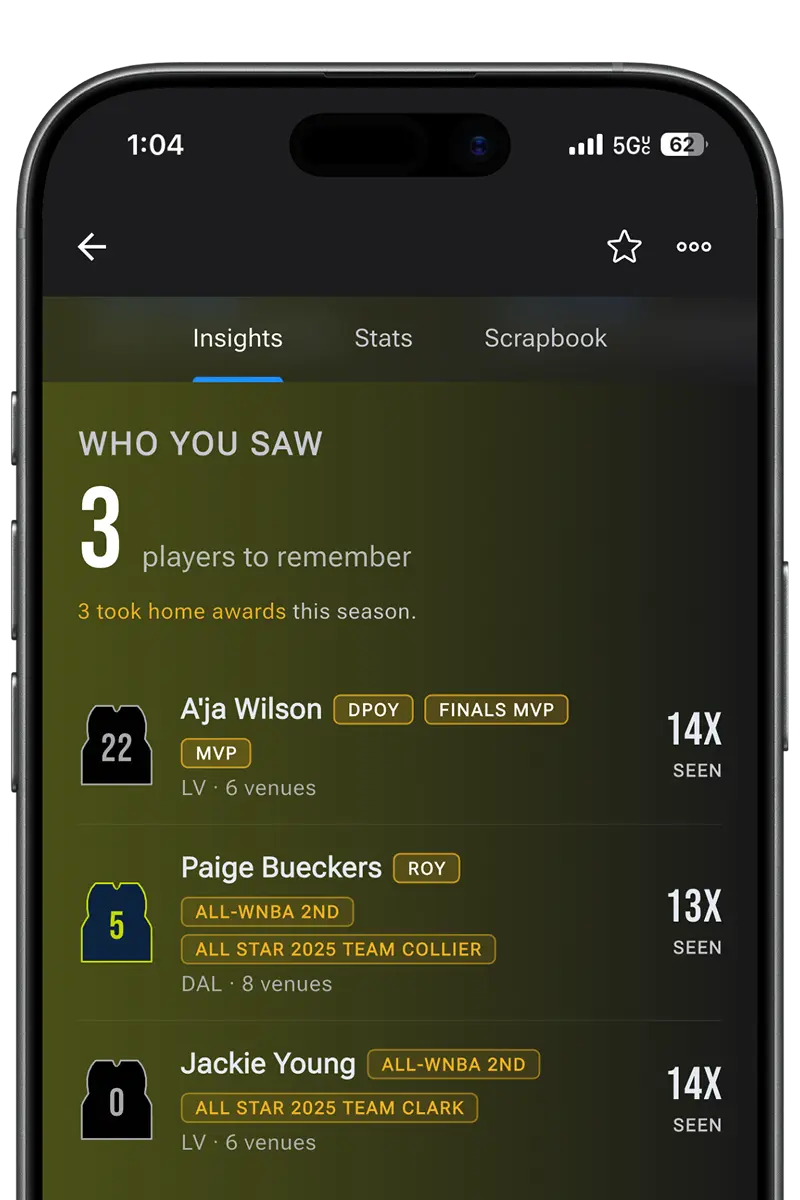
Use the same flow for last night and for 1998. The point is a complete personal list.
Team pages help you reconstruct games you've attended for a specific club across supported leagues.
Bring over the sheet you've maintained for years, fill gaps from Gmail confirmations when Ticketmaster history is incomplete, and keep everything in one six-league timeline. For step-by-step import help, use the adding and importing games FAQ. Ticket Timeline matches each attended game to real context so your history stays browsable and yours.
Import a spreadsheet, find games from Gmail ticket confirmations, search for the matchup and date you remember, scan a ticket, or add games manually. Ticket Timeline matches each entry to real sports context so your attended games become a browsable lifetime archive.
Yes. You can sync a Google Sheet or upload a CSV of attended games. Exact details are not required for every row—Ticket Timeline helps you find the right matchup across MLB, NBA, NFL, NHL, MLS, and WNBA.
Yes. Ticket Timeline can help recover attended games from Gmail ticket confirmations using a read-only connection, allowlisted senders, and a preview-before-commit flow so you stay in control of what gets added.
Ticket Timeline is built as an archive-first record of games you've attended. Your timeline is meant to last across seasons and stay exportable, so you are not locked into a social feed or a one-off import shortcut.
No. Ticket Timeline does not sell tickets. It helps you track games you've already attended and explore what made each one memorable.
Download Ticket Timeline to track the games you've attended and explore the story behind your fandom.
For iPhone & Android