


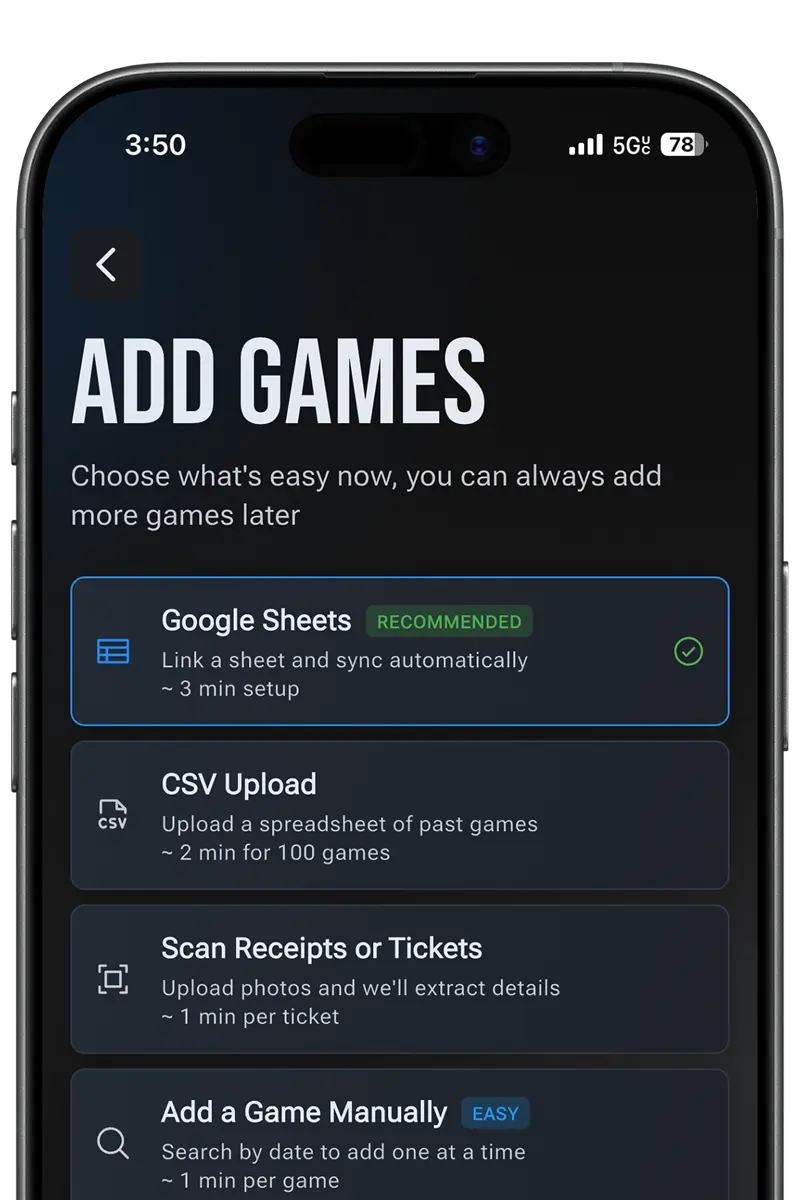
Import Google Sheets or CSV
Bring over dates, opponents, and notes you already trust.
Your spreadsheet is a great log. It can't tell you which player you've seen hit the most home runs, how many ballparks you've checked off, or which rare moments happened while you were in the building. Ticket Timeline imports the sheet and adds the sports archive on top.
For iPhone & Android
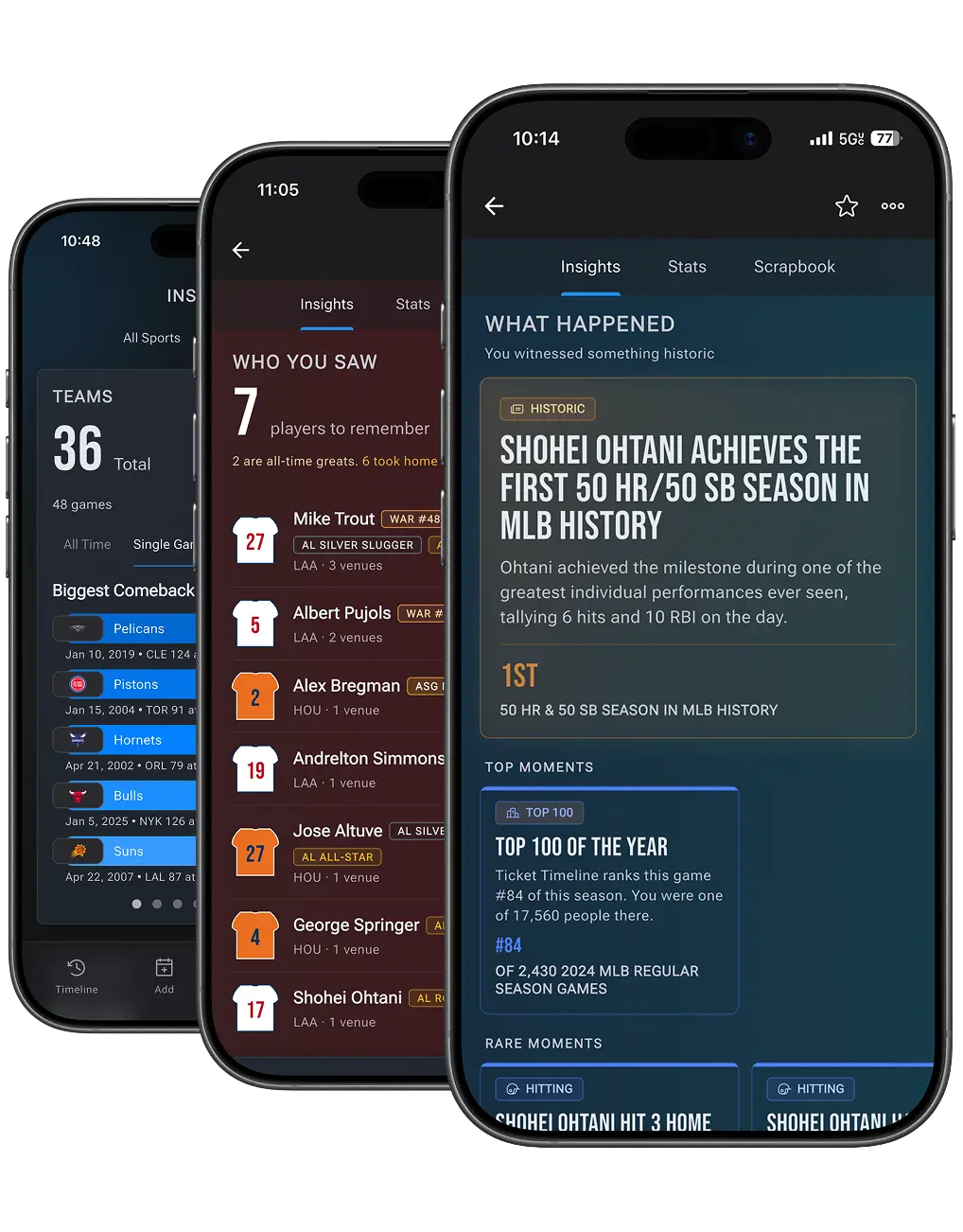
A spreadsheet is fine for recording that you attended a game. It cannot tell you what happened at that game, because it holds only what you typed into it.
| Question about a game you attended | Spreadsheet | Ticket Timeline |
|---|---|---|
| Which date did I go? | Yes, if you recorded it | Yes |
| Who played? | Yes, if you recorded it | Yes |
| What was the final score? | Only if you typed it in | Matched from the game record |
| Which players appeared in that game? | No | Matched from the game record |
| Did I see a milestone or rare moment? | No | Identified from the game record |
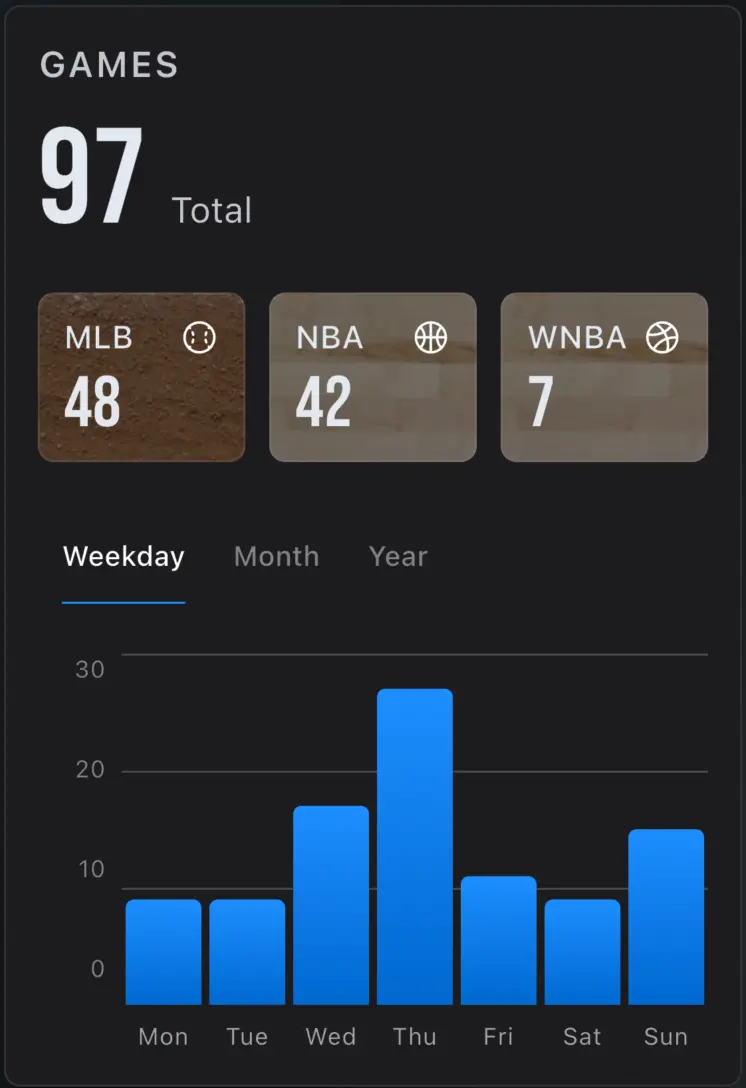
| How many venues have I been to? | Manual formula | Calculated |
| What was my win-loss record when attending? | Manual formula | Calculated |
| Import an existing list? | Already there | Spreadsheet and CSV import |
A spreadsheet is not fragile or obsolete — the limitation is what it knows. It contains only the values you entered, so questions that depend on game data cannot be answered from it.
Download a CSV with the columns date, league, home_team, away_team, venue, and notes. It is a reconstruction template you can fill offline, then import. The worked example is a real World Series game at the correct building.
Spreadsheets excel at custom columns and decades of manual logging. They struggle with automatic player aggregation, venue-collection progress, rare-moment flags, and keeping six leagues consistent without constant maintenance.
You do not have to abandon the spreadsheet habit. Import it, then keep adding games from memory, stubs, or Gmail.
Bring over dates, opponents, and notes you already trust.
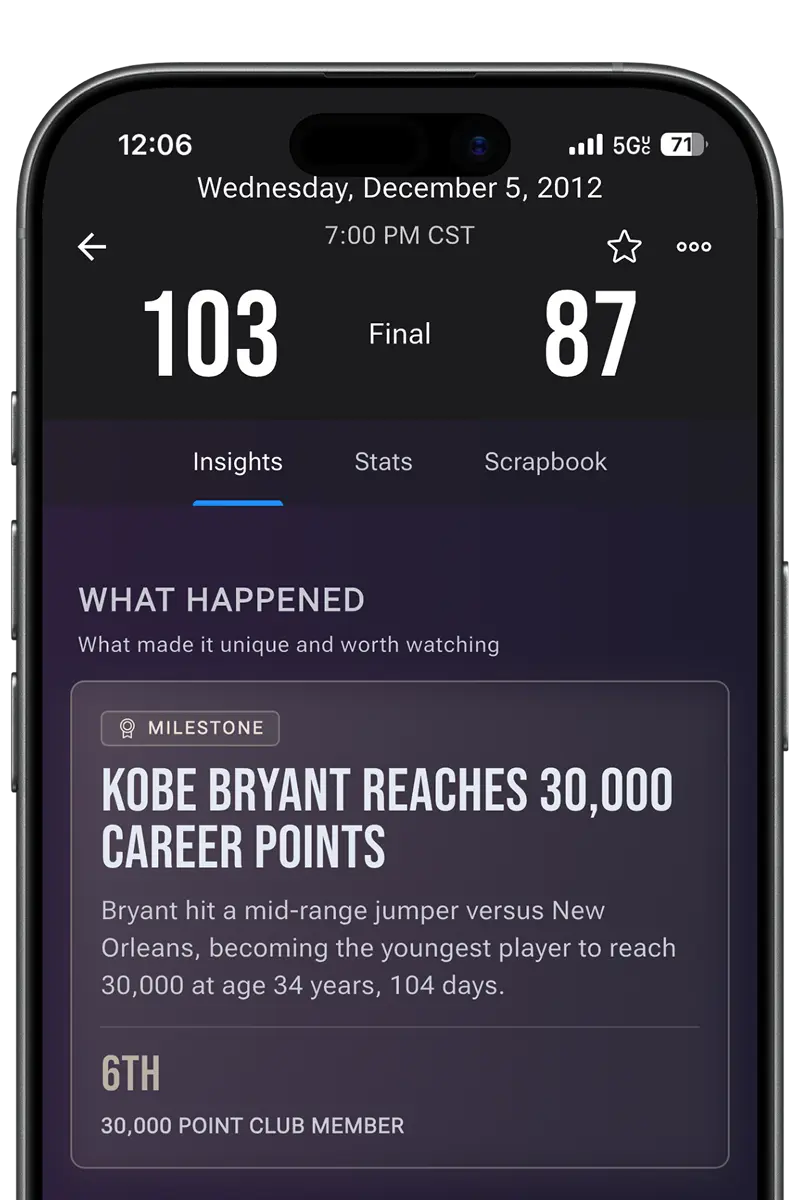
Ticket Timeline connects each attended game to teams, venues, players, and moments.
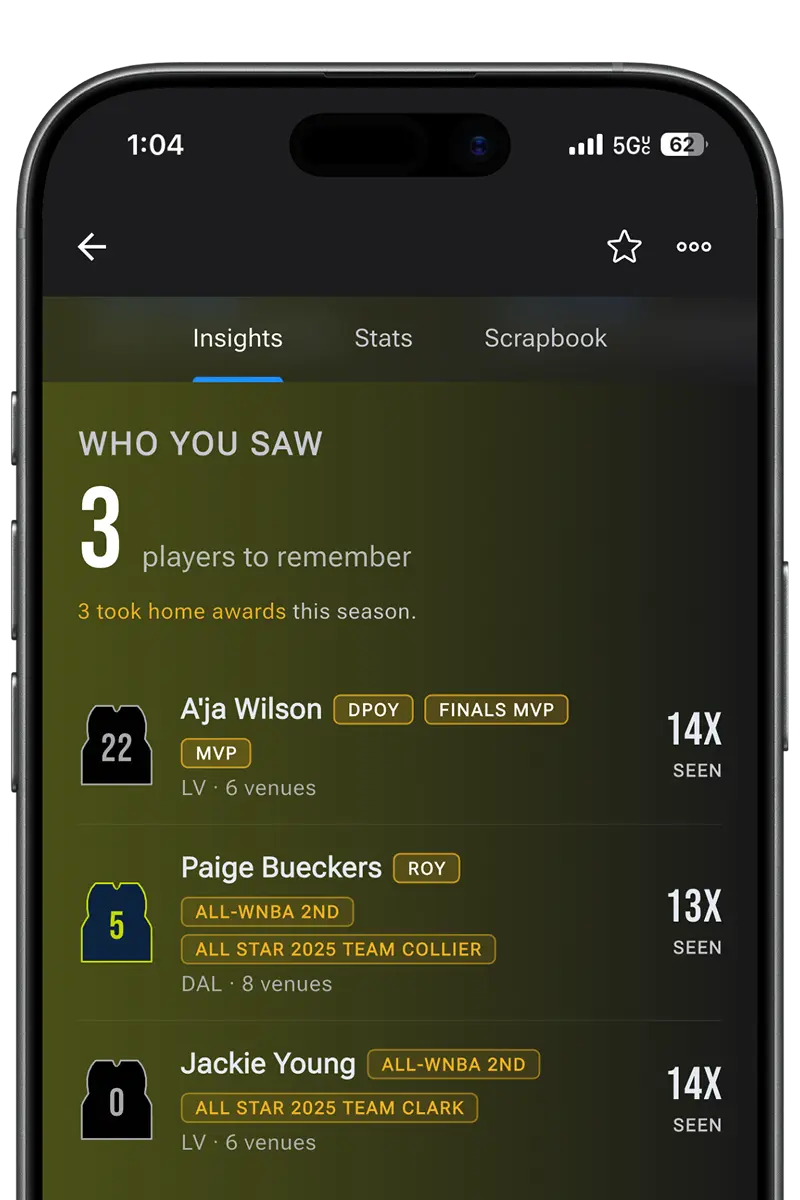
Explore players seen, venue progress, and milestones across seasons and leagues.
Archivists care about permanence. Ticket Timeline is built so your attendance history remains exportable—an answer to the fear that another app will shut down and take the list with it.
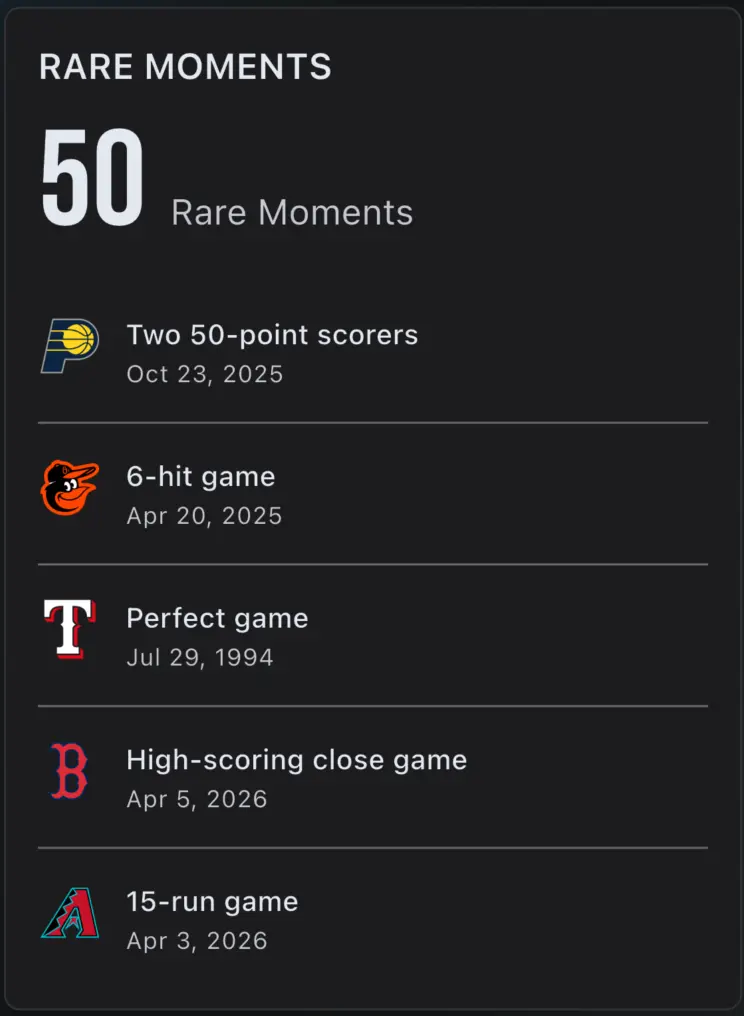
It can import your spreadsheet and add sports context your sheet cannot compute—players seen, venues visited, milestones, and rare moments—while keeping a browsable timeline across six leagues.
Import focuses on matching attended games to real sports context. Keep a backup of your original sheet if you rely on highly custom fields, and use Ticket Timeline notes where you want qualitative detail.
That is exactly the kind of question spreadsheets rarely answer without heavy manual work. Ticket Timeline aggregates player history from games you've attended so you can explore those stats.
No. Ticket Timeline does not sell tickets. It helps you archive games you've already attended.
Bring years of attended games over in one sitting, then explore players, venues, and moments across six leagues.
For iPhone & Android